

LIUPAKKA GRADE
A finished look for your videos in a few clicks.
Which one is for you?
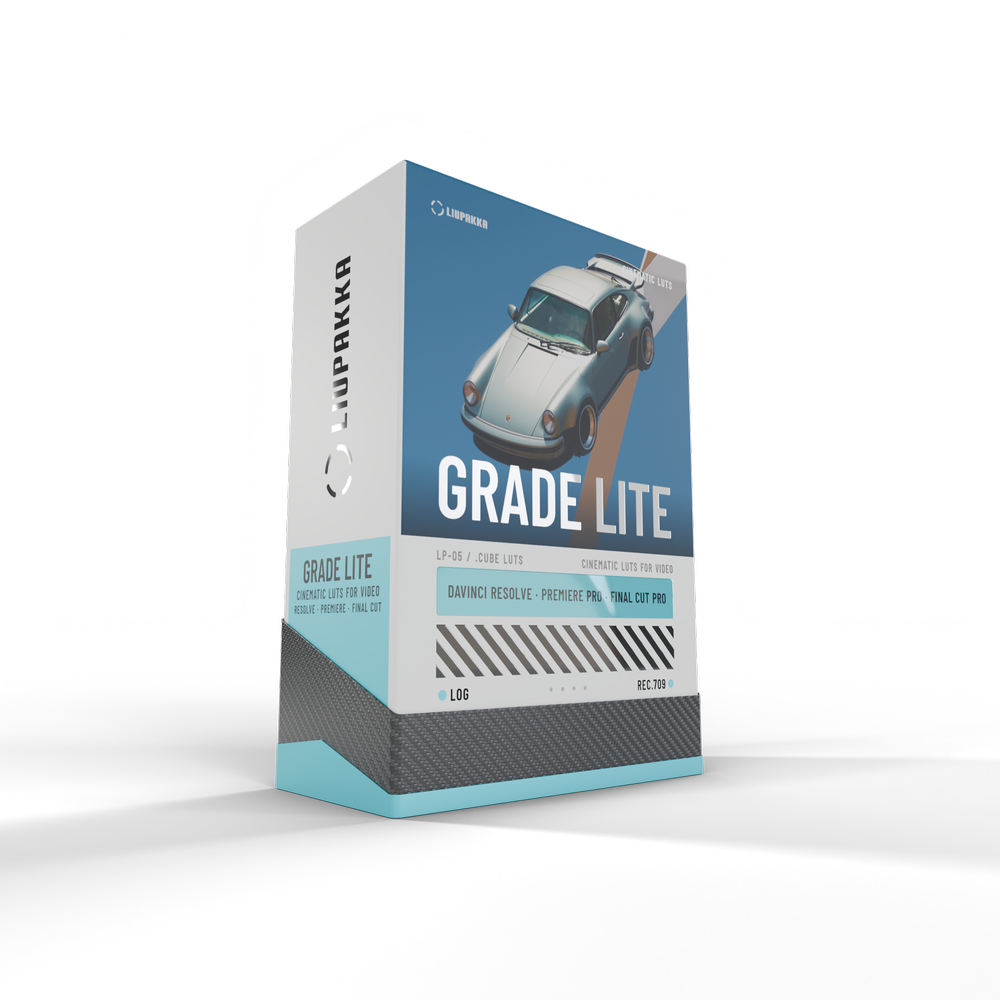 Simple one-click colour
GRADE LITE
Fast and easy. Drop one LUT on your clip and the look is done, in any editor.
- 30 presets as LUTs (.cube) in 10 styles
- Log conversions for 10 camera profiles: Canon, Sony, ARRI, Panasonic, Fujifilm, Apple and DJI
- Works everywhere: DaVinci Resolve (free and Studio), Premiere Pro and Final Cut Pro
- Install guides for every app, in English and Finnish
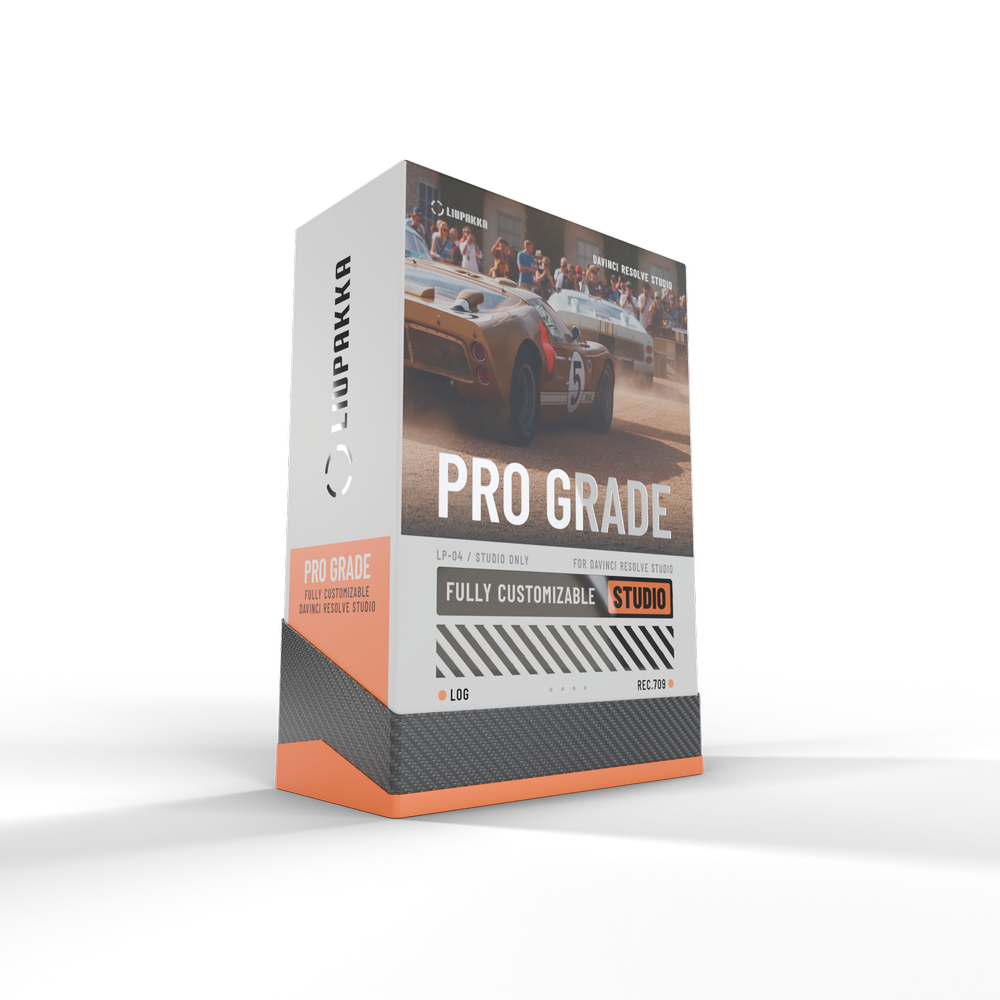 Full customizability // full power
GRADE PRO
When you want every option. Adjust each part of the look on its own slider and finish every detail to your taste.
- 90 presets: 30 presets in 10 styles, each in 3 versions, with a Look Intensity slider
- All 30 presets also as normal LUTs, the same as Grade Lite, for one step use
- Liupakka Pro Grade panel: one effect where every adjustment has its own slider
- Exposure, temperature, tint, contrast, fade and colour richness, each on its own
- Skin tones, split toning, colour punch, film grain, halation and vignette
- Log conversions for 10 camera profiles, built into the panel and as separate LUTs
- Ready node for your Gallery and install guide in English and Finnish
For DaVinci Resolve Studio only. The free DaVinci Resolve, Premiere Pro and Final Cut Pro do not open the Pro Grade panel. Use Grade Lite for those.
Full customizability. Full power
A LUT puts the whole look on your clip as one fixed step. In Grade Pro every preset also comes in three versions with their own finishing colours, and every part of the look has its own slider, so you can shape it exactly the way you want.
One preset, every control
Preset strength, exposure, temperature, contrast and colour each have their own slider. Change one and the rest of the look stays intact.
Fix the tricky clips
Bright sky, warm skin or mixed light. Adjust just the part that is off until the clip sits right next to the others.
Make the preset your own
Add skin tones, split toning, grain or halation, set it to your taste and save it as your own grade for the next project.
Fast and easy
- The quickest way to the Liupakka look: drop one LUT on your clip and you are done
- Log footage looks right straight away thanks to the built in log conversions
- Works everywhere: DaVinci Resolve (free and Studio), Premiere Pro and Final Cut Pro
- Great for social media, vlogs and quick edits where speed matters most
Installed and grading in minutes
Every download includes a written guide in English and Finnish. These videos walk you through it step by step.
Grade Pro installation
DaVinci Resolve Studio: install the panel, the conversion LUTs and the ready node.
Grade Lite installation
DaVinci Resolve, Premiere Pro and Final Cut Pro: where the LUTs go in each app.
Other videos load from YouTube when you press play.
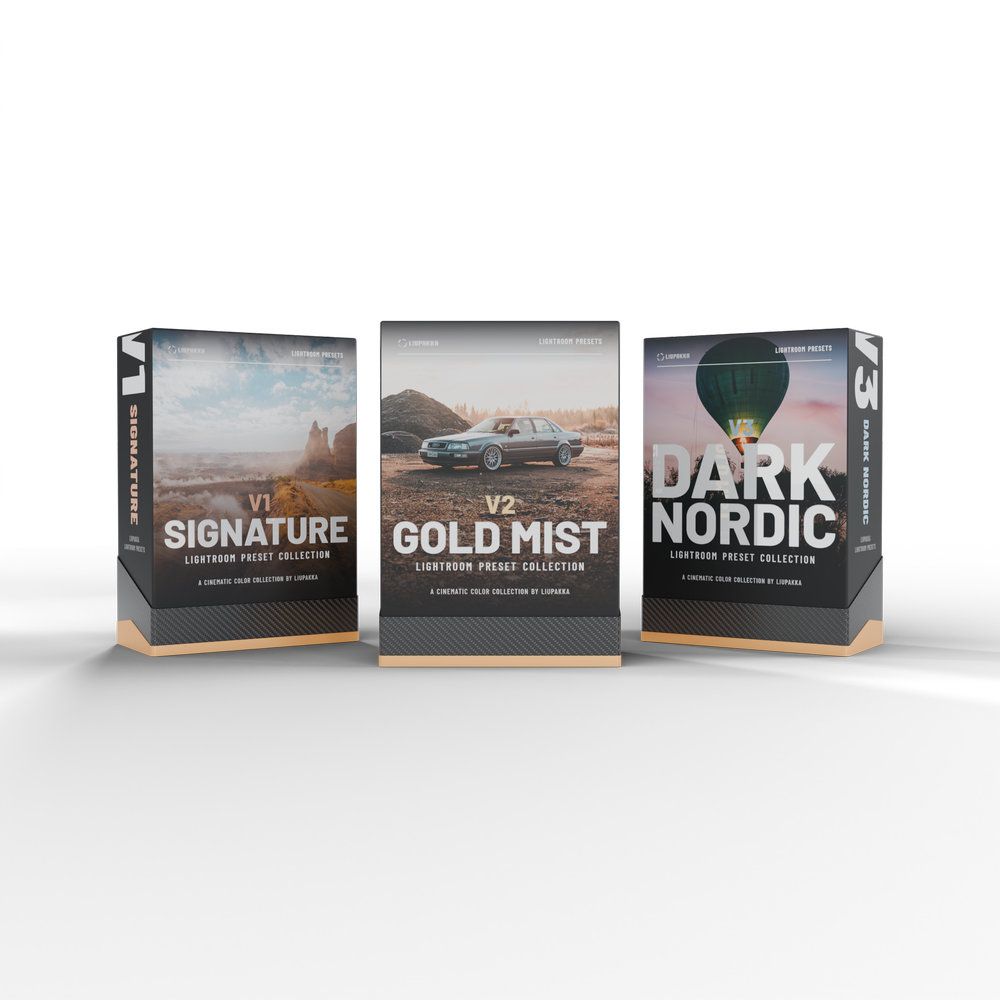
The same look for your photos
Liupakka Lightroom presets in three editions: V1 Signature, V2 Gold Mist and V3 Dark Nordic. 29 € each, or all three in the bundle for 49 €.
See the Lightroom presetsTest our presets for free
Join the Liupakka newsletter and get 3 Lightroom presets and 3 video LUTs for free. Try them on your own photos and footage before you choose a pack.
3 Lightroom presets
- Cinema Mistfrom V1 Signature
- Gold Mistfrom V2 Gold Mist
- Storm Glowfrom V3 Dark Nordic
3 video LUTs
- Cinematic Depthfrom Grade Lite
- Pastel Tealfrom Grade Lite
- Blue Mistfrom the Grade collection
…
Please tick the box to agree to the newsletter first.
We send you a confirmation email. Confirm your subscription and the download link is in the same email. Every email has an unsubscribe link. Read our Privacy Policy.
Good to know
What is the difference between a LUT and the Pro Grade panel?
A LUT applies the whole look in one fixed step. The Pro Grade panel is one DaVinci Resolve Studio effect with a slider for every part of the look: preset strength, exposure, temperature, contrast, skin tones, grain, halation and more.
Do I need DaVinci Resolve Studio?
For Grade Pro, yes. The Pro Grade panel works only in DaVinci Resolve Studio. Grade Lite works in the free DaVinci Resolve, DaVinci Resolve Studio, Premiere Pro and Final Cut Pro.
I shoot in log. Do I need Pro?
No. Both packs include log conversions for Canon Log 3, Sony S-Log3, ARRI LogC3 and LogC4, Panasonic V-Log, Fujifilm F-Log2, Apple Log, DJI D-Log, DJI D-Log M and DaVinci Intermediate. Pro is for when you want to adjust each part of the look separately in DaVinci Resolve Studio.
Which apps does it work in?
Grade Lite works in DaVinci Resolve (free and Studio), Premiere Pro and Final Cut Pro, and the LUTs work in most other video apps too. Grade Pro is made for DaVinci Resolve Studio only.
How do I receive it?
This is a digital download and nothing physical is shipped. Right after payment you get an email with the download link. Grade Lite unzips into three folders, DaVinci Resolve, Premiere Pro and Final Cut Pro, each with its own install guide. Grade Pro unzips into the DaVinci Resolve Studio files, the 30 preset LUTs, the conversion LUTs and its install guide. All guides are in English and Finnish.
Can I upgrade from Lite to Pro later?
Contact us at Store@liupakka.com and we will help you.
Can I get a refund?
Digital products are delivered immediately, so the right of withdrawal ends when the download starts. If something does not work, contact us and we will fix it. See our Terms of Sale.
Your footage, the Liupakka look
Grade Lite 49 € for every editor // Grade Pro 69 € for DaVinci Resolve Studio
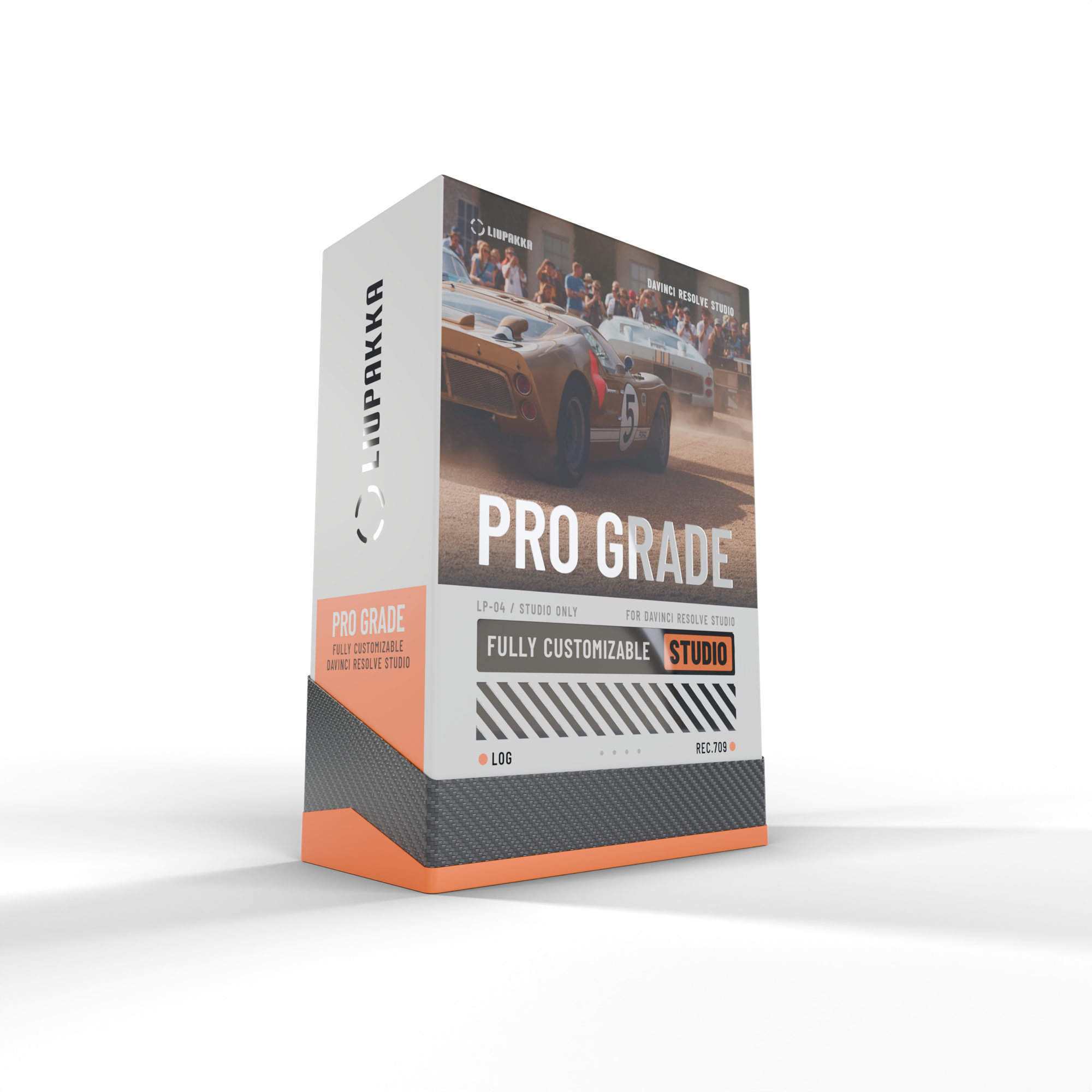
Full customizability and full power. Our cinematic grade for DaVinci Resolve Studio in one panel, with every part of the look on its own slider. Liupakka Pro Grade converts your camera log inside the effect and gives you 30 presets in 10 styles, each in 3 versions: 90 presets in total.
Requires DaVinci Resolve Studio 19 or newer. Does not work in the free DaVinci Resolve. Using the free version? Choose Liupakka Grade Lite.
Inside: camera input for Canon Log 3, Sony S-Log3, ARRI LogC3 and LogC4, Panasonic V-Log, Fujifilm F-Log2, Apple Log, DJI D-Log, DJI D-Log M, DaVinci Intermediate and Rec.709 // Look Intensity // exposure, temperature, tint, contrast, fade, crush blacks, reduce highlights, lift shadows // finishing tones, split toning, skin tones, color punch, isolate color // film grain, halation, vignette // Film presets with old film grain, dust and scratches // a ready node (.drx) for your Gallery.
Digital download: you get a download link by email right after purchase. Nothing physical is shipped. Inside the download: the Pro Grade effect, the ready node, the 30 presets also as normal LUTs (the same as Grade Lite), 10 camera conversion LUTs and the installation guide in English and Finnish. Mac and Windows.
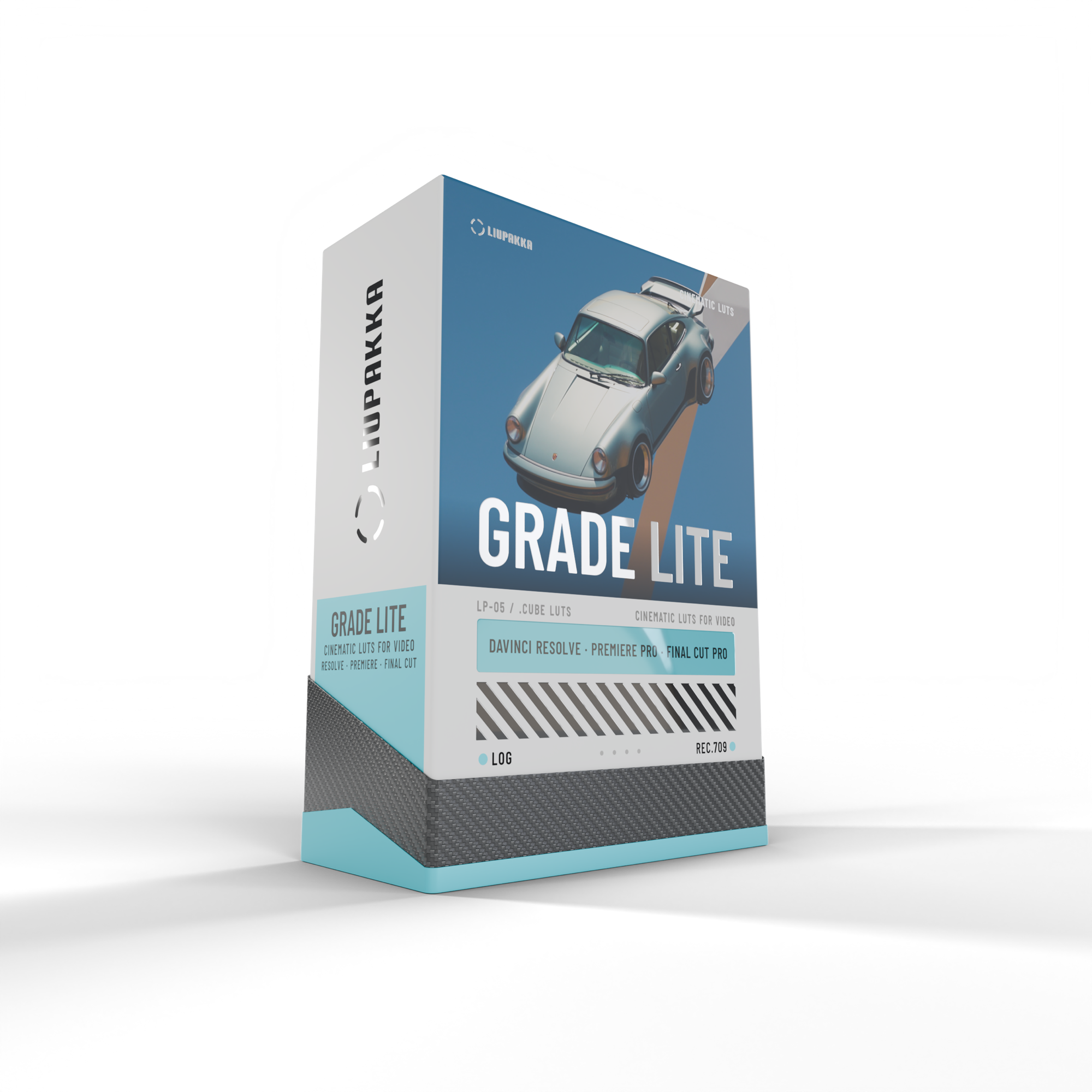
Simple one-click colour, fast and easy. The Liupakka presets as 30 LUT files for your videos. Works in DaVinci Resolve (free and Studio), Premiere Pro and Final Cut Pro, and in any app that reads .cube LUTs.
Inside: 30 preset LUTs (Rec.709 in and out) in 10 styles: Cinematic, Teal, Golden, Mist, Nordic, Green, Earth, Film, Moody, Commercial // a Conversion folder with Rec.709 conversion LUTs for Canon Log 3, Sony S-Log3, ARRI LogC3, ARRI LogC4, Panasonic V-Log, Fujifilm F-Log2, Apple Log, DJI D-Log, DJI D-Log M and DaVinci Intermediate.
Digital download: you get a download link by email right after purchase. Nothing physical is shipped. The download has its own folder for DaVinci Resolve, Premiere Pro and Final Cut Pro, each with an installation guide in English and Finnish.
Want full customizability and full power, with every part of the look on its own slider and finishing tools? See Liupakka Pro Grade (DaVinci Resolve Studio only).