

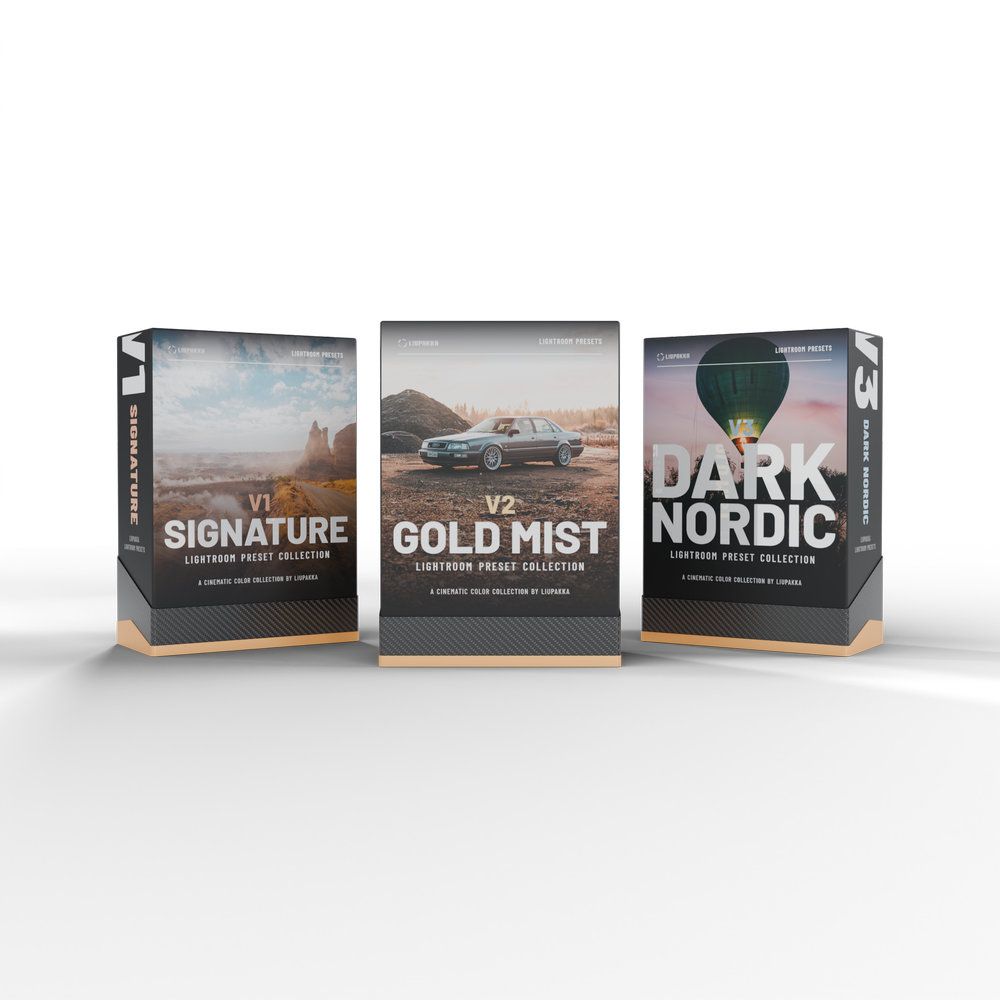
Lightroom Presets Bundle
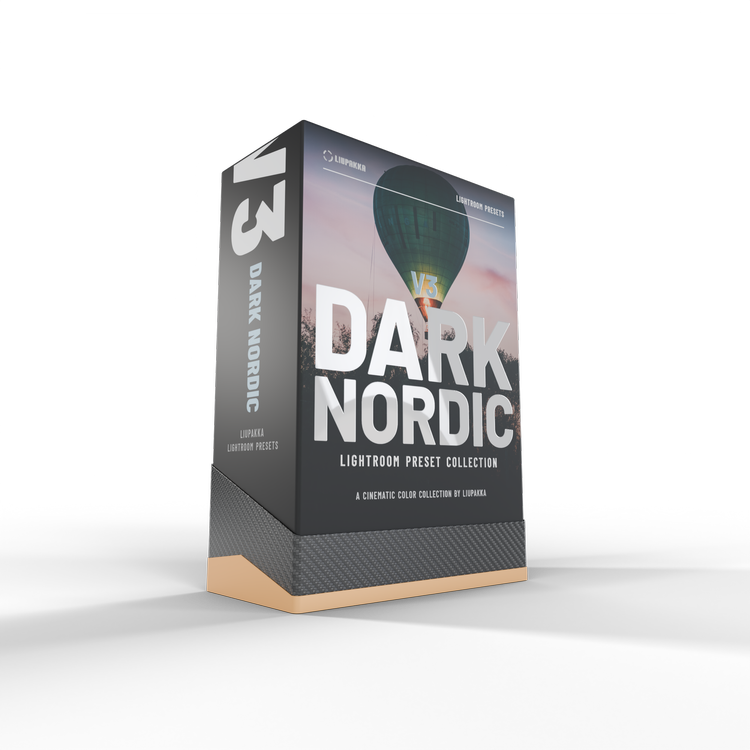
Every Liupakka preset in one download: V1 Signature, V2 Gold Mist and V3 Dark Nordic.
- 45 presets in three editions, 15 in each
- AI Denoise built in // cleaner files without extra steps
- Desktop and mobile // Lightroom Classic, Lightroom and Lightroom mobile
- Digital download by email // nothing physical is shipped
See the difference
Examples from the V1 Signature pack. Every example is a single click // no masking, no manual tweaking.

 BeforeCinema Mist
V1 Signature
Our signature look. Clean, natural colour that works on almost any photo.
Choose a photoChoose a preset15 presets in every edition
Choose an edition to see every preset name.
Our signature look. Clean, natural colour that works on almost any photo.
Golden light and a soft, misty glow with a warm, old school film feel.
Deep, moody Nordic tones with rich shadows and cool colour.
A few examples
Two photos for every edition. Choose a photo and a preset, then drag the slider to compare the original with the preset. Every edition has 15 presets.

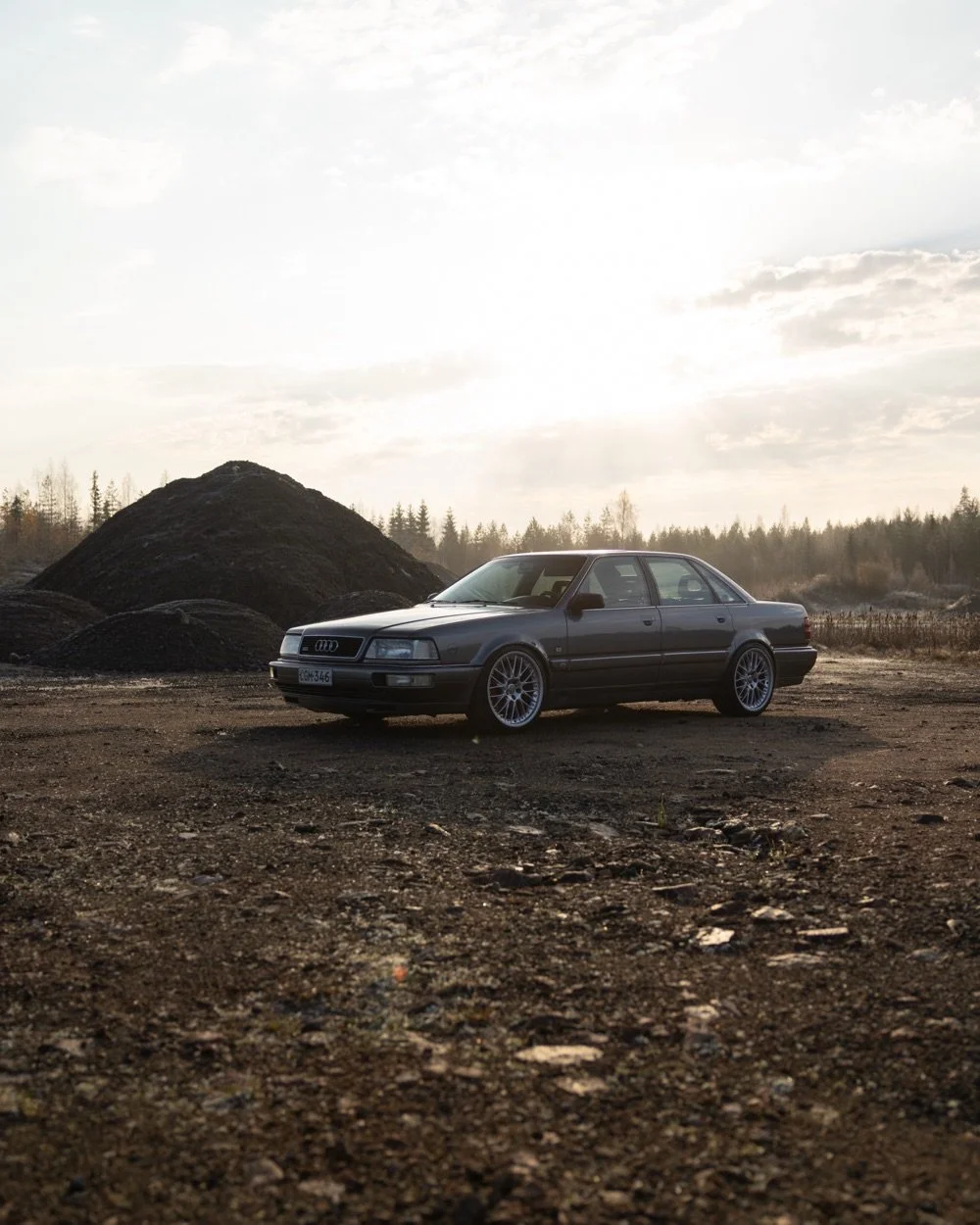 BeforeGold Mist
V2 Gold Mist
Golden light and a soft, misty glow with a warm, old school film feel.
Choose a photoChoose a preset
 BeforeStorm Glow
V3 Dark Nordic
Deep, moody Nordic tones with rich shadows and cool colour.
Choose a photoChoose a presetPick your look
Every edition has 15 presets with AI Denoise built in, for Lightroom Classic, Lightroom and Lightroom mobile. Digital download by email, nothing physical is shipped.
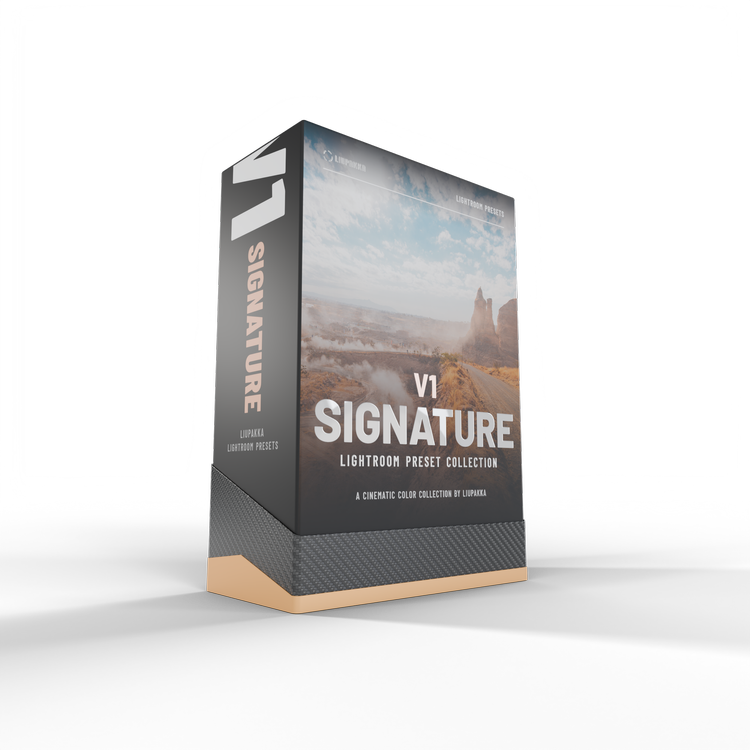
V1 Signature
Our signature look. Clean, natural colour that works on almost any photo.
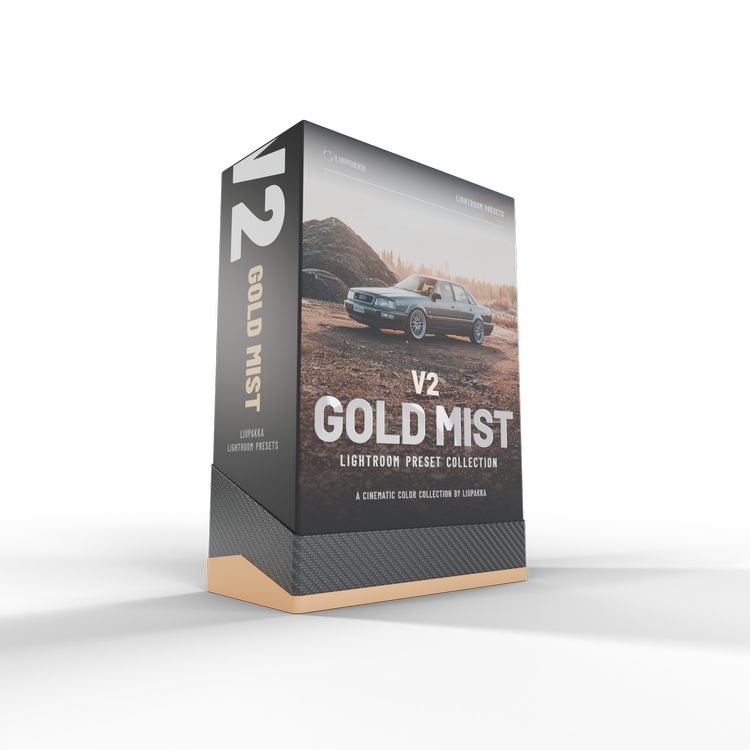
V2 Gold Mist
Golden light and a soft, misty glow with a warm, old school film feel.
Installed in two minutes
Watch how to add the presets to Lightroom Classic, Lightroom and Lightroom mobile. A written guide in English and Finnish is also inside the download.
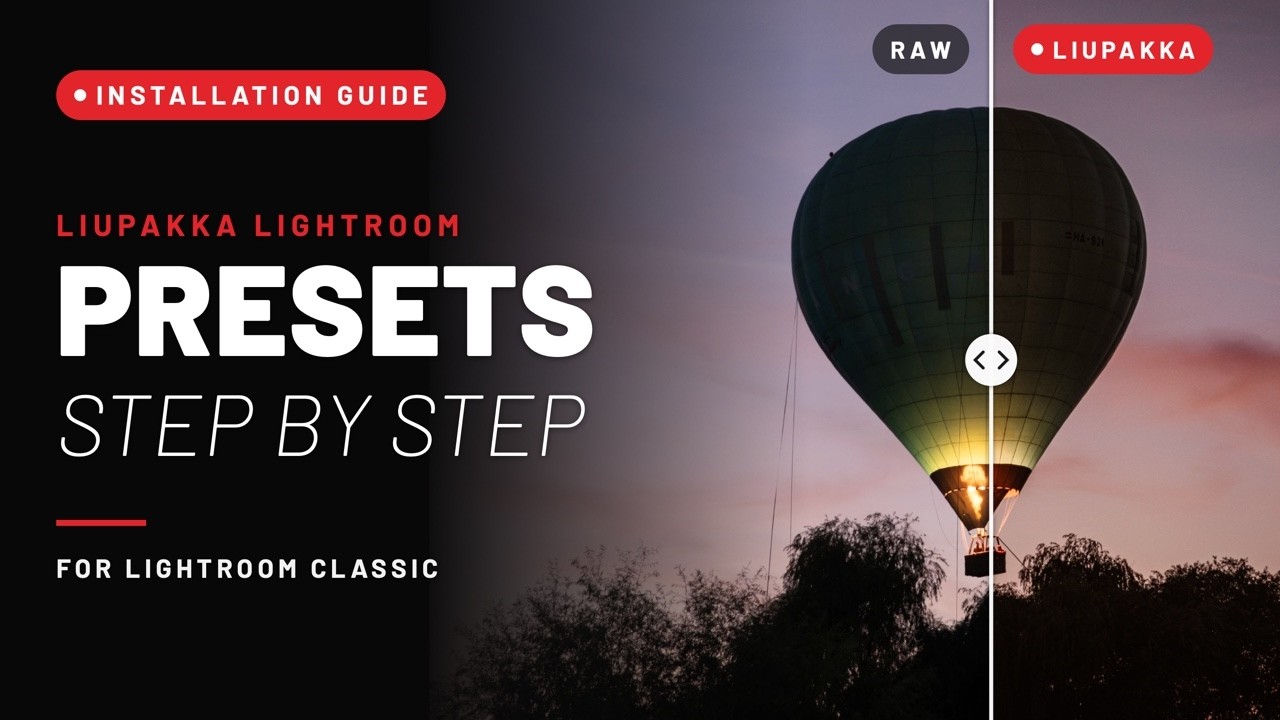
The video loads from YouTube when you press play.
Editing in under 2 minutes
Buy once
Secure checkout. No subscription, no hidden fees.
Get the email
Your download link and install guide for desktop and mobile arrive instantly.
Click & done
Apply a preset, fine-tune exposure if you like. That's it.

Founded in Finland by brothers Vesa and Henri
We create photo and video for automotive, industrial and international brands. These presets are the exact starting point of our own workflow // refined over 5+ years and thousands of images.
Test our presets for free
Join the Liupakka newsletter and get 3 Lightroom presets and 3 video LUTs for free. Try them on your own photos and footage before you choose a pack.
3 Lightroom presets
- Cinema Mistfrom V1 Signature
- Gold Mistfrom V2 Gold Mist
- Storm Glowfrom V3 Dark Nordic
3 video LUTs
- Cinematic Depthfrom Grade Lite
- Pastel Tealfrom Grade Lite
- Blue Mistfrom the Grade collection
…
Please tick the box to agree to the newsletter first.
We send you a confirmation email. Confirm your subscription and the download link is in the same email. Every email has an unsubscribe link. Read our Privacy Policy.
Questions, answered
Which Lightroom versions are supported?
Lightroom Classic and Lightroom CC on desktop, plus Lightroom Mobile.
How do I receive the presets?
Right after purchase you'll get an email with the download link and easy step-by-step installation instructions for desktop and mobile.
Will they work on my photos?
They're designed for one-click edits and consistent results. Every image is different, so you may want to fine-tune exposure or white balance.
What is AI Denoise?
Each preset includes built-in AI Denoise settings for cleaner, more refined images.
Can I get a refund?
Because this is a digital download, all sales are final. Not sure? Browse the before/after examples above or contact us before you buy.
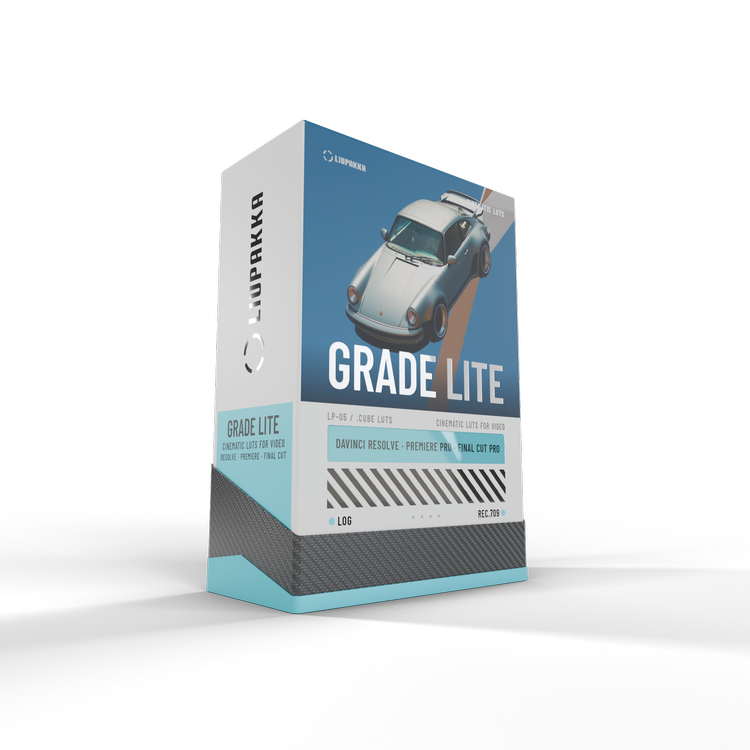
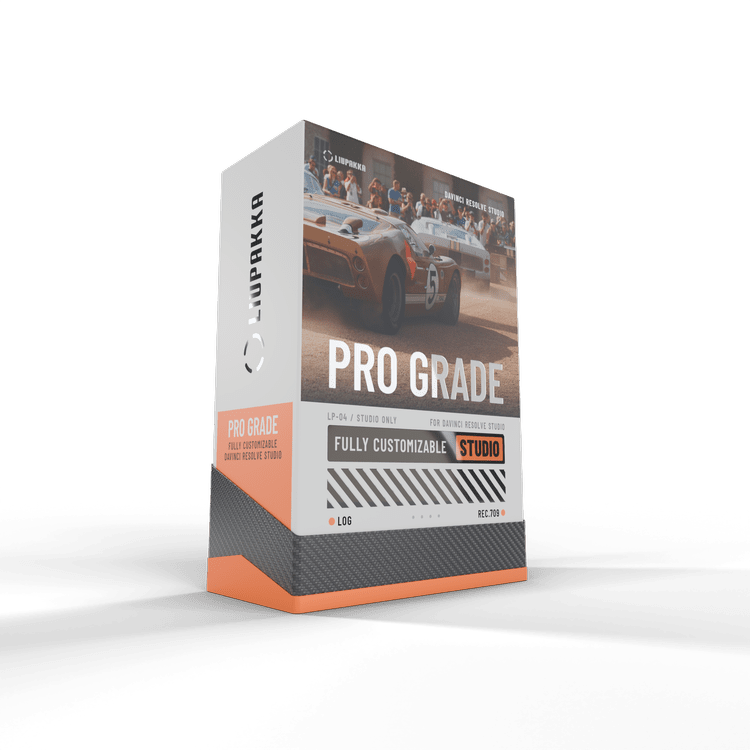
The same colours for your videos
Liupakka Grade brings the look to your footage. Grade Lite is simple one-click colour for DaVinci Resolve, Premiere Pro and Final Cut Pro. Grade Pro gives you full customizability and full power in DaVinci Resolve Studio.
See the video presetsYour photos, the Liupakka look
45 presets in three editions · AI Denoise · Desktop & Mobile · Instant download
Get all three editions 49 €© 2026 Liupakka · liupakka.com
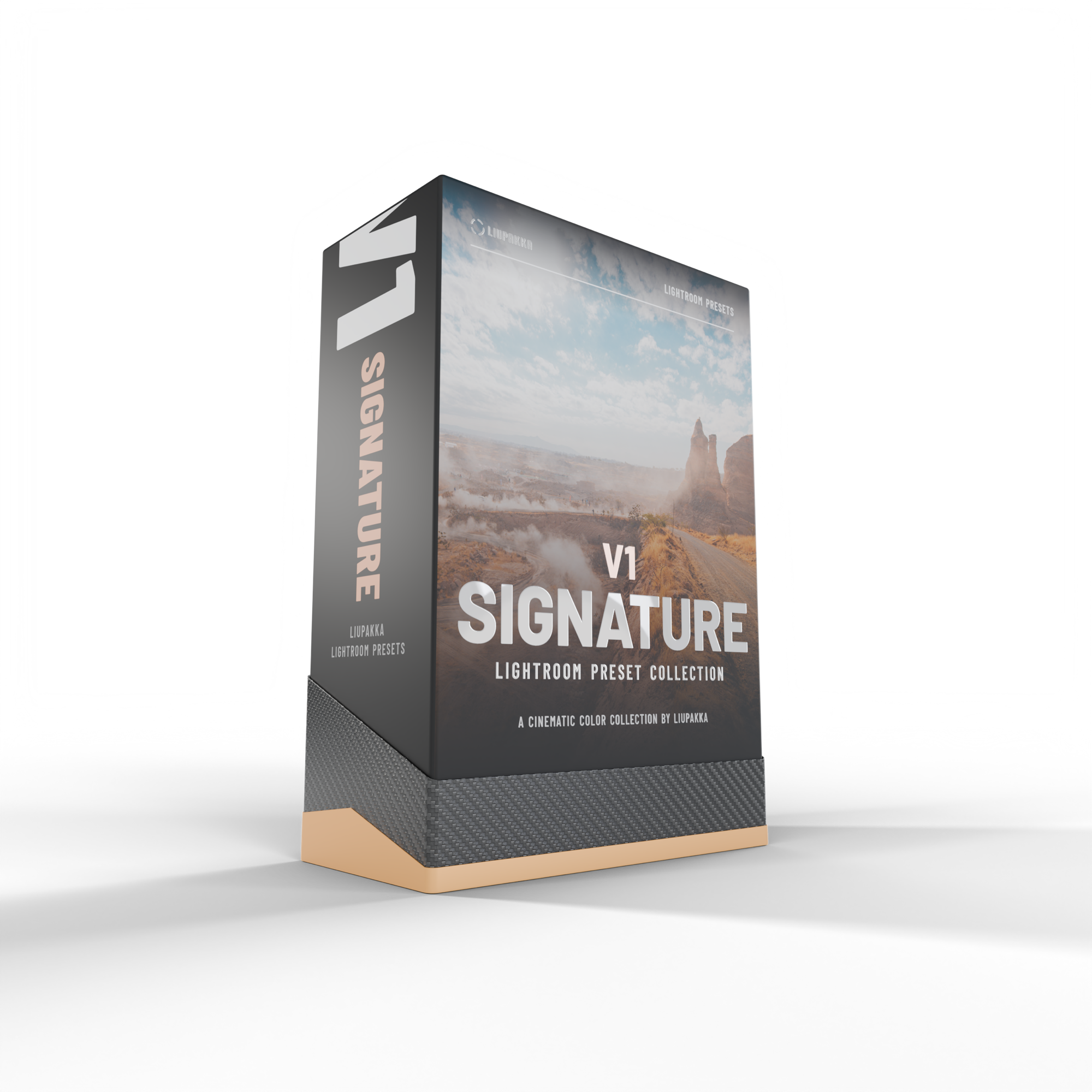
What are Lightroom Presets?
Lightroom presets are ready-made edit settings you can apply with one click. The presets instantly adjust colour, tone, and mood, helping you get more out of your photos.
This pack includes 15 presets. Since every photo, camera, and lighting situation is different, you can easily fine-tune the final look after applying a preset to suit your image.
Digital download: you get a download link by email right after purchase. Nothing physical is shipped. The installation guide in English and Finnish is inside the download.
Works in Lightroom Classic, Lightroom and Lightroom mobile.
LIUPAKKA LIGHTROOM PRESETS
This collection includes 15 fine-tuned presets.
Developed and refined over 5+ years of Lightroom usage and tested on thousands of images.
Designed for one-click edits and consistent results in your editing workflow.
Each preset includes built-in AI Denoise settings for cleaner, more refined images.
After purchase, you’ll receive an email with the download link and easy, step-by-step installation instructions.
Compatible with Lightroom CC, Lightroom Classic CC. Non refundable.
HOW CAN I GET THE PRESETS TO WORK?
HOW CAN I GET THE PRESETS TO WORK?
-
Lightroom presets are ready-made edit settings you apply with one click. They instantly adjust colour, tone, and mood, helping you get more out of your photos.
This pack includes 15 presets. Since every photo, camera, and lighting situation is different, you can easily fine-tune the final look after applying a preset to suit your image. -
Extract the ZIP file on your desktop computer (not on your phone).
Open Lightroom CC / Lightroom Classic CC.
Go to the Presets section, then click File → Import Profiles & Presets.
Select the presets ZIP file(s) and click Import.
Restart Lightroom. Your presets will now appear in the Presets panel.
If needed, you can also search Google or YouTube for visual walkthroughs.
-
Presets must be installed on the desktop version of Lightroom CC first.
Once installed, they will automatically sync to your Lightroom CC Mobile app when you’re signed in with the same Adobe account.
After syncing, the presets will be available and ready to use on mobile.