

Täydelliset värit sekunneissa
Samat värit, joita käytämme asiakastöissämme ympäri maailmaa.
Videopresetit
Valmis ilme videoihin muutamalla klikkauksella. Grade Lite kaikkiin editoreihin, Grade Pro täyteen hallintaan DaVinci Resolve Studiossa.
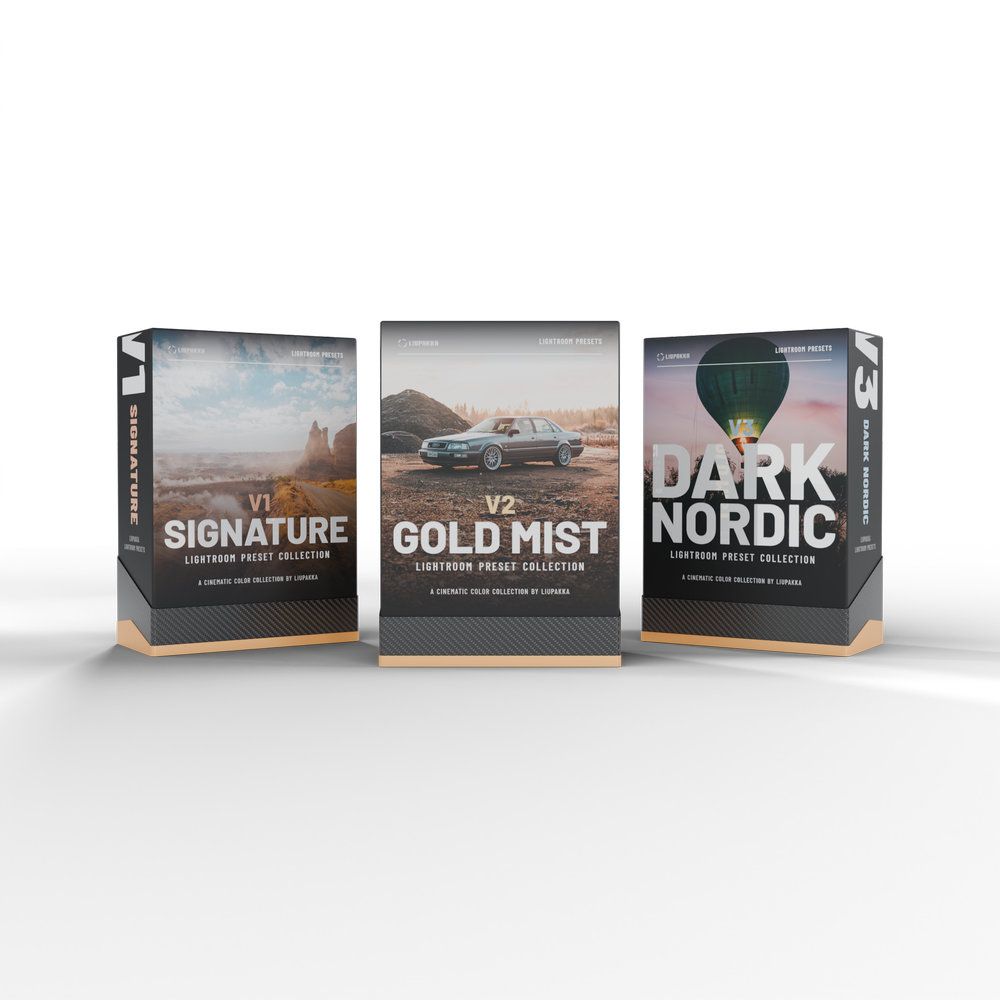
Lightroom presetit
Valmis kuva yhdellä klikkauksella. Kolme versiota, 15 presettiä jokaisessa, Lightroomiin tietokoneelle ja mobiiliin.
Lite vai Pro? Molemmissa sama ilme
Molemmissa on log-muunnokset 10 kameralle ja asennusohjeet suomeksi ja englanniksi. Digitaalinen lataus sähköpostiin, mitään fyysistä ei lähetetä.
 Yksinkertainen yhden klikkauksen väri
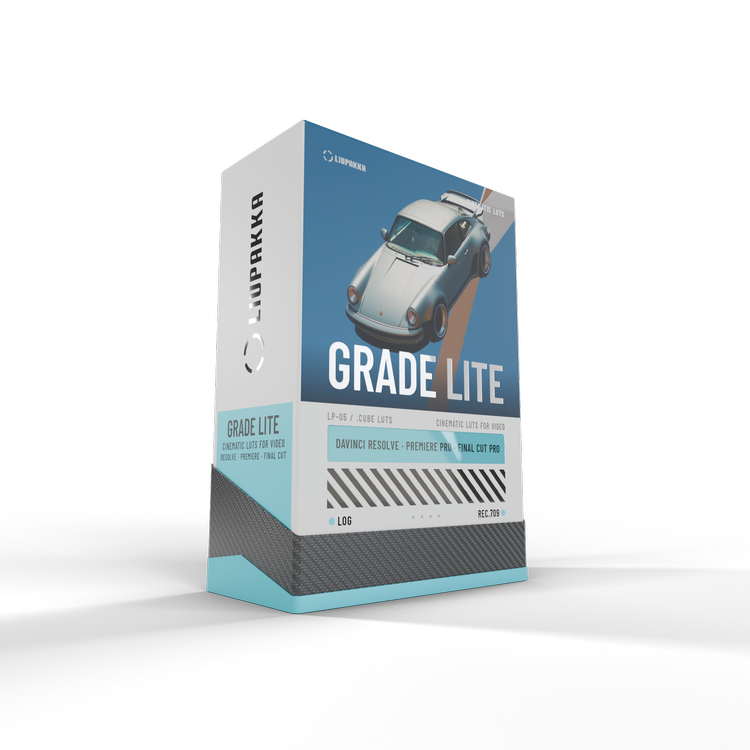
Grade Lite
Nopea ja helppo. 30 presettiä LUTeina DaVinci Resolveen, Premiere Prohon ja Final Cut Prohon.
 Täysi muokattavuus // kaikki teho
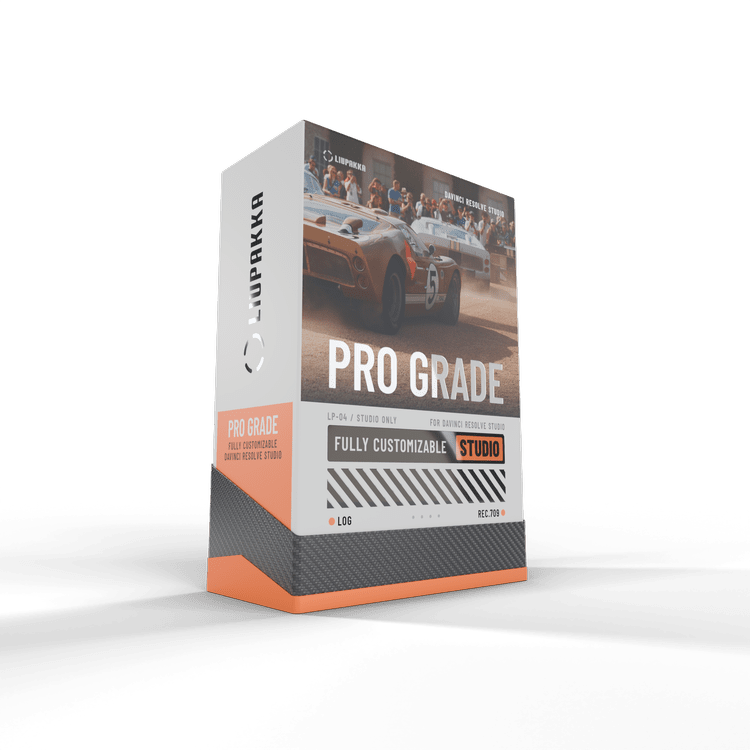
Grade Pro
Jokainen ilmeen osa omalla säätimellään, 90 presettiä ja viimeistelytyökalut sekä kaikki 30 presettiä tavallisina LUTeina. Vain DaVinci Resolve Studioon.
Etkö ole varma? Katso vertailu ja asennusohjeet videopresettien sivulta.
Valitse ilmeesi
15 presettiä jokaisessa versiossa. Digitaalinen lataus sähköpostiin, mitään fyysistä ei lähetetä.
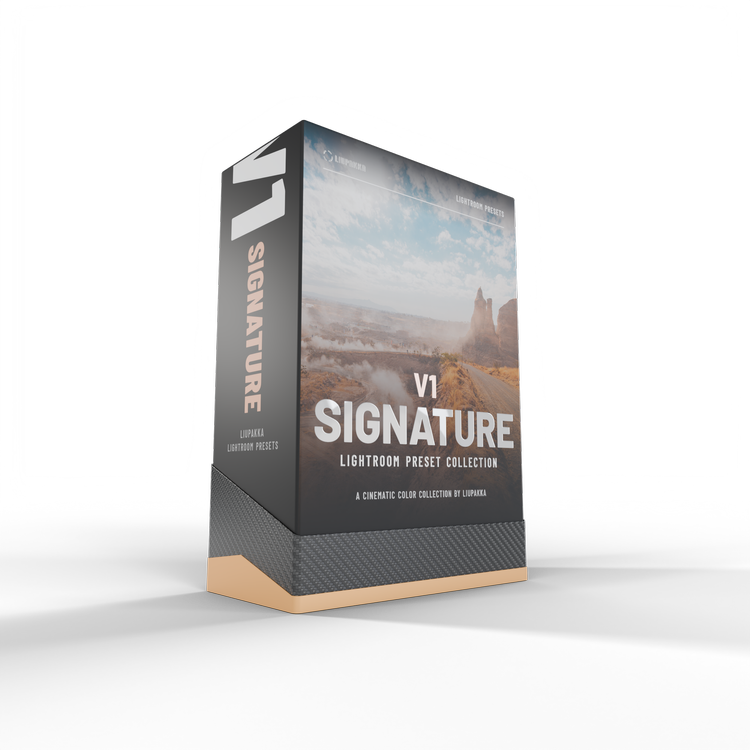
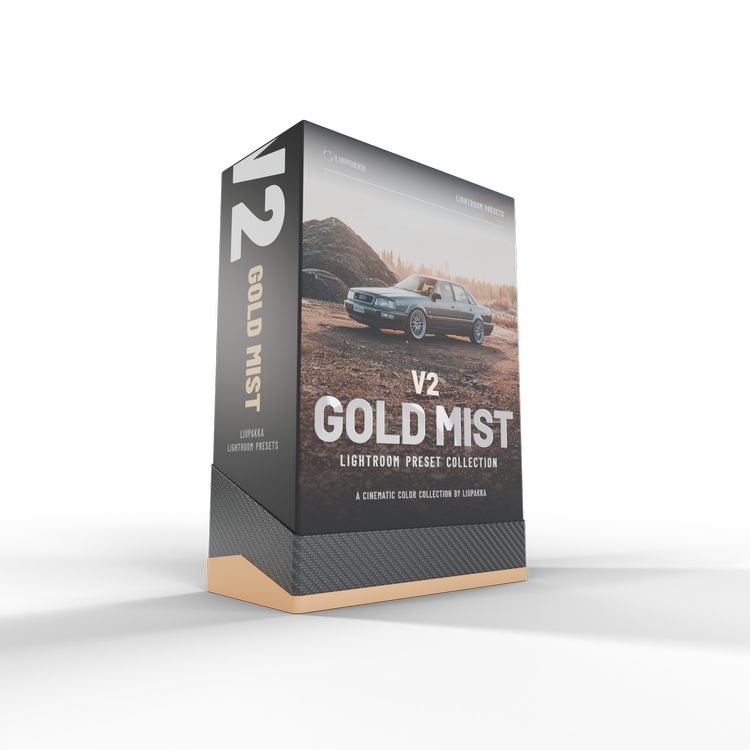
V2 Gold Mist
Kultainen valo, usvainen hehku ja vanhan filmin tunnelma.
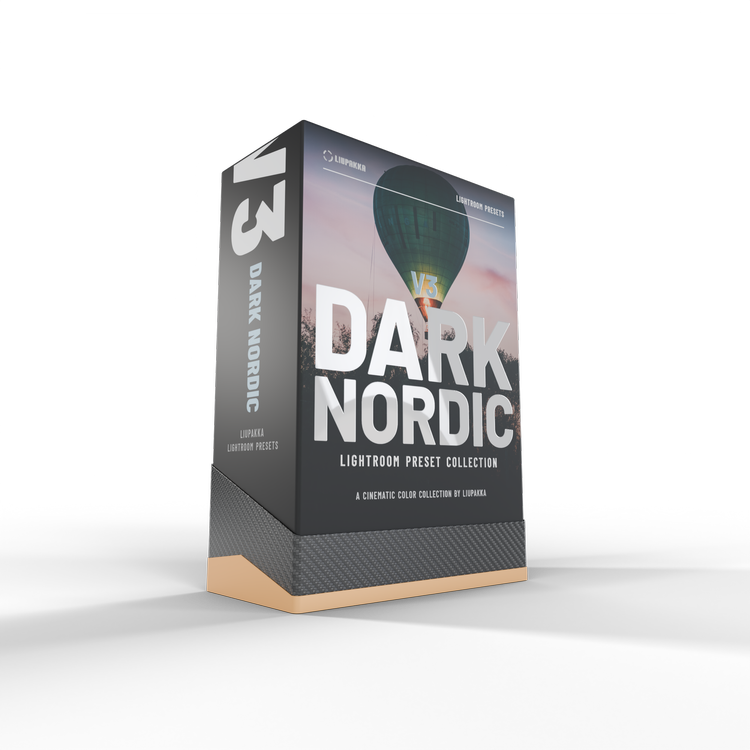 Kaikki kolme versiota
Bundle V1 + V2 + V3
45 presettiä yhdessä latauksessa. 3 versiota erikseen 87 €.
Testaa Presetit ilmaiseksi
Liity Liupakan uutiskirjeeseen ja saat 3 Lightroom-presettiä ja 3 video-LUTia ilmaiseksi. Kokeile niitä omiin kuviisi ja videoihisi ennen kuin valitset paketin.
3 Lightroom-presettiä
- Cinema MistV1 Signaturesta
- Gold MistV2 Gold Mististä
- Storm GlowV3 Dark Nordicista
3 video-LUTia
- Cinematic DepthGrade Litestä
- Pastel TealGrade Litestä
- Blue MistGrade-kokoelmasta
…
Hyväksy ensin uutiskirjeen tilaus valitsemalla ruutu.
Lähetämme sinulle vahvistussähköpostin. Vahvista tilaus, niin latauslinkki on samassa viestissä. Jokaisessa viestissä on peruutuslinkki. Lue tietosuojaseloste.
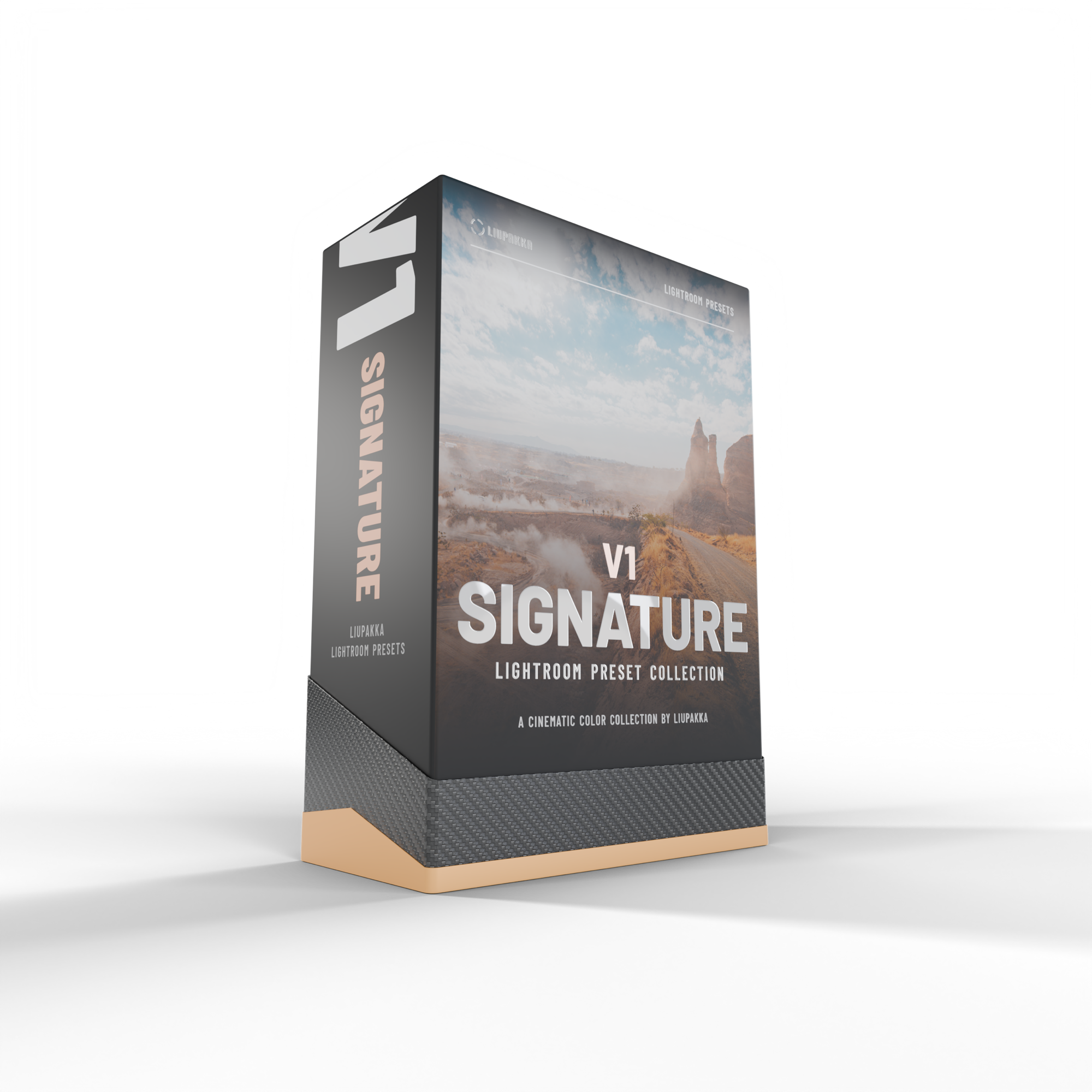
What are Lightroom Presets?
Lightroom presets are ready-made edit settings you can apply with one click. The presets instantly adjust colour, tone, and mood, helping you get more out of your photos.
This pack includes 15 presets. Since every photo, camera, and lighting situation is different, you can easily fine-tune the final look after applying a preset to suit your image.
Digital download: you get a download link by email right after purchase. Nothing physical is shipped. The installation guide in English and Finnish is inside the download.
Works in Lightroom Classic, Lightroom and Lightroom mobile.
LIUPAKKA LIGHTROOM PRESETS
This collection includes 15 fine-tuned presets.
Developed and refined over 5+ years of Lightroom usage and tested on thousands of images.
Designed for one-click edits and consistent results in your editing workflow.
Each preset includes built-in AI Denoise settings for cleaner, more refined images.
After purchase, you’ll receive an email with the download link and easy, step-by-step installation instructions.
Compatible with Lightroom CC, Lightroom Classic CC. Non refundable.
HOW CAN I GET THE PRESETS TO WORK?
HOW CAN I GET THE PRESETS TO WORK?
-
Lightroom presets are ready-made edit settings you apply with one click. They instantly adjust colour, tone, and mood, helping you get more out of your photos.
This pack includes 15 presets. Since every photo, camera, and lighting situation is different, you can easily fine-tune the final look after applying a preset to suit your image. -
Extract the ZIP file on your desktop computer (not on your phone).
Open Lightroom CC / Lightroom Classic CC.
Go to the Presets section, then click File → Import Profiles & Presets.
Select the presets ZIP file(s) and click Import.
Restart Lightroom. Your presets will now appear in the Presets panel.
If needed, you can also search Google or YouTube for visual walkthroughs.
-
Presets must be installed on the desktop version of Lightroom CC first.
Once installed, they will automatically sync to your Lightroom CC Mobile app when you’re signed in with the same Adobe account.
After syncing, the presets will be available and ready to use on mobile.