
REVOLUTIONIZE YOUR PERSPECTIVE
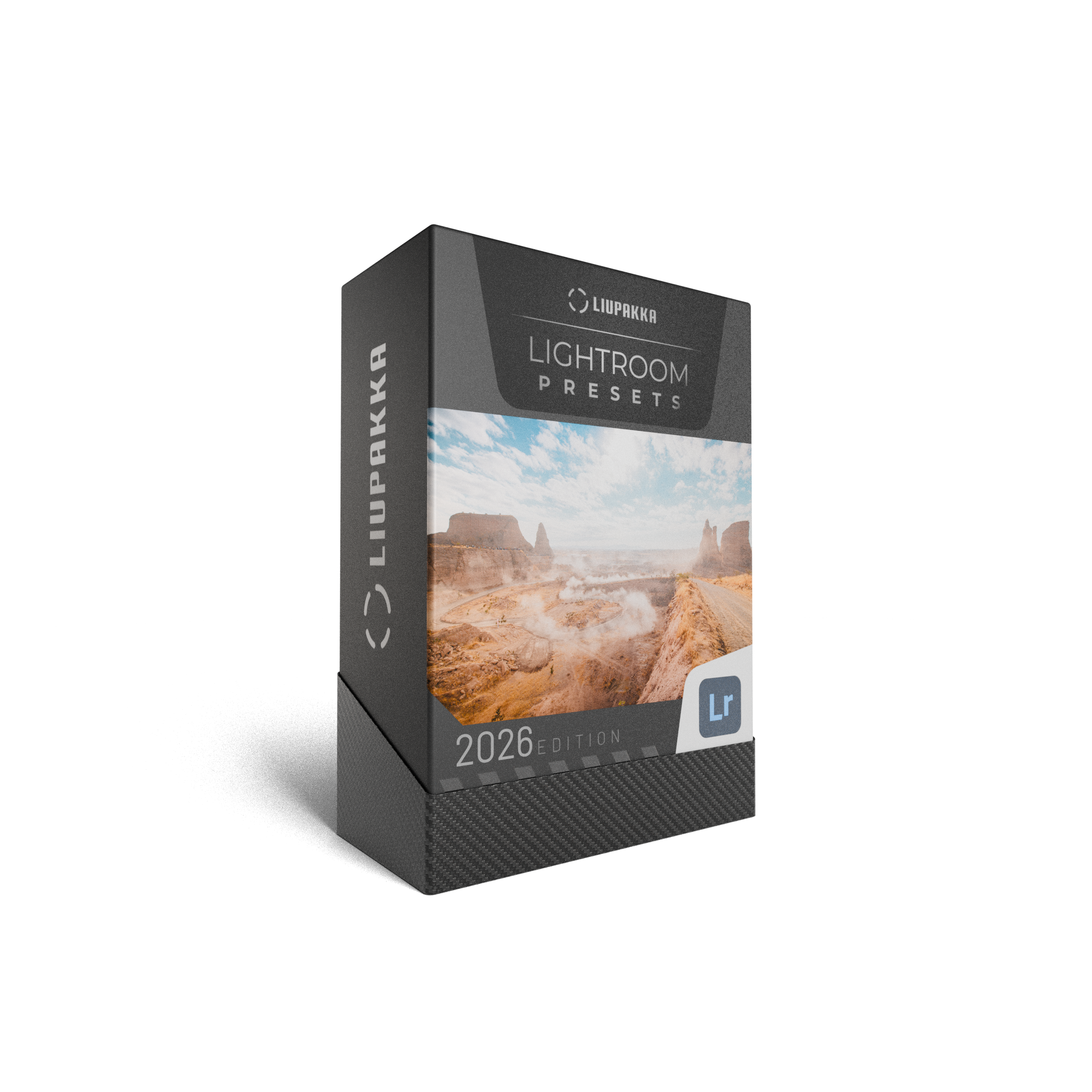
LIUPAKKA LIGHTROOM PRESETS
This collection includes 15 fine-tuned presets.
Developed and refined over 5+ years of Lightroom usage and tested on thousands of images.
Designed for one-click edits and consistent results in your editing workflow.
Each preset includes built-in AI Denoise settings for cleaner, more refined images.
After purchase, you’ll receive an email with the download link and easy, step-by-step installation instructions.
Compatible with Lightroom CC, Lightroom Classic CC. Non refundable.
HOW CAN I GET THE PRESETS TO WORK?
HOW CAN I GET THE PRESETS TO WORK?
-
Lightroom presets are ready-made edit settings you apply with one click. They instantly adjust colour, tone, and mood, helping you get more out of your photos.
This pack includes 15 presets. Since every photo, camera, and lighting situation is different, you can easily fine-tune the final look after applying a preset to suit your image. -
Extract the ZIP file on your desktop computer (not on your phone).
Open Lightroom CC / Lightroom Classic CC.
Go to the Presets section, then click File → Import Profiles & Presets.
Select the presets ZIP file(s) and click Import.
Restart Lightroom. Your presets will now appear in the Presets panel.
If needed, you can also search Google or YouTube for visual walkthroughs.
-
Presets must be installed on the desktop version of Lightroom CC first.
Once installed, they will automatically sync to your Lightroom CC Mobile app when you’re signed in with the same Adobe account.
After syncing, the presets will be available and ready to use on mobile.